
The Easiest Way to Write a Children’s Storybook
Have you ever wanted to write a children’s story but felt overwhelmed by the process? Meet PowerPrompt, the AI tool that can transform your ideas into a fully-fledged presentation in minutes, whether it’s a professional deck or a charming storybook.
What is PowerPrompt?
PowerPrompt is an innovative tool that uses AI to create presentations from a simple prompt. Instead of spending hours on design and content, you can describe your presentation, and PowerPrompt handles the rest.
How to Create a Storybook
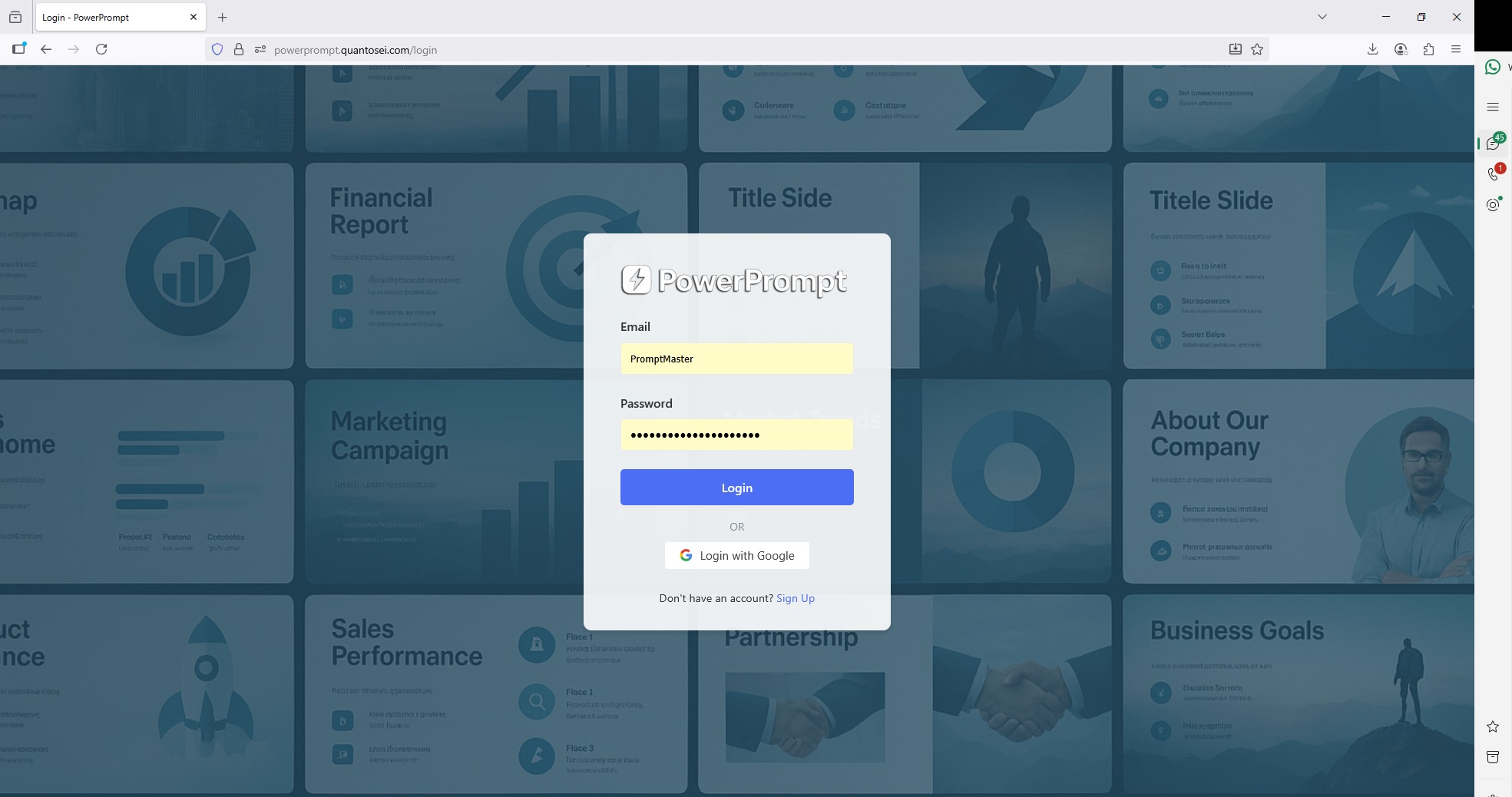
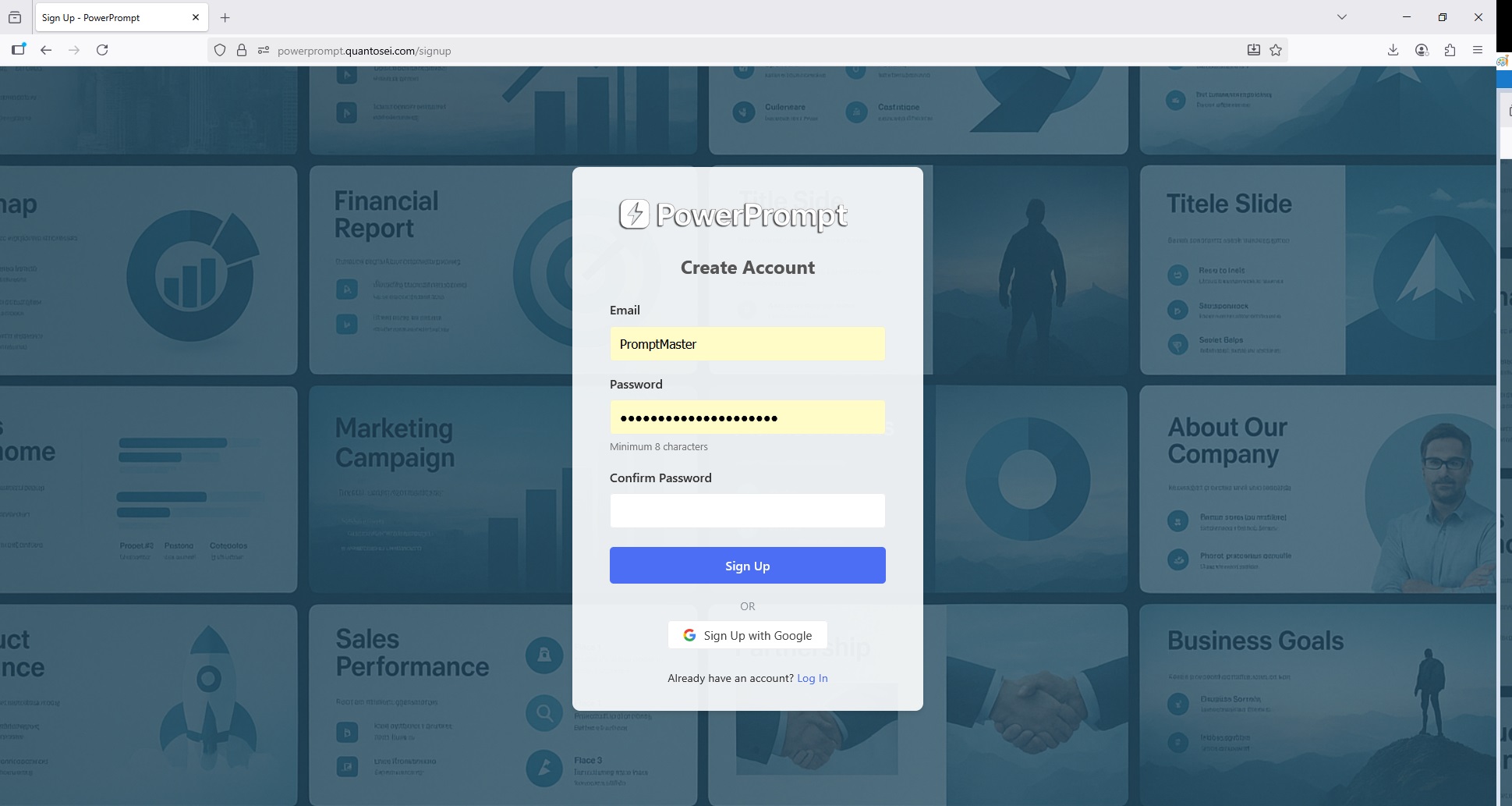
Creating a storybook is as easy as a few clicks. First, you’ll need to create an account or log in. The sign-up process is straightforward, requiring an email and a password or you can use google account,once you’ve signed up, you can log in with your new credentials.
Once logged in, you can start creating your storybook.
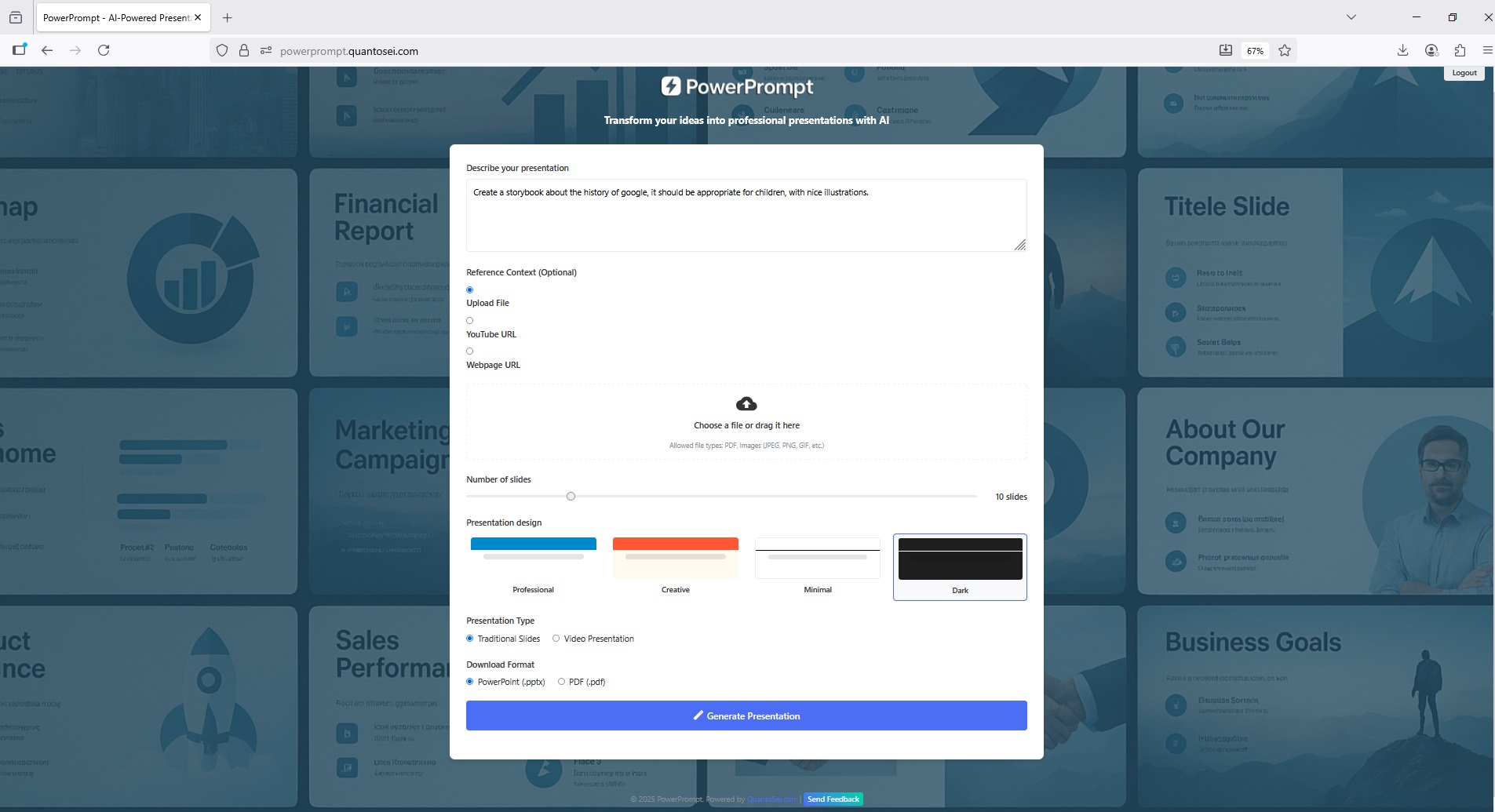
- Describe Your Story: Simply write a prompt that describes the story you want to create. For example, you can tell it to “create a storybook about the history of Google, suitable for children, with kid illustrations”.
- Choose Your Design: PowerPrompt offers several design options, including “Professional,” “Creative,” “Minimal,” and “Dark,” so you can choose the aesthetic that best fits your storybook.
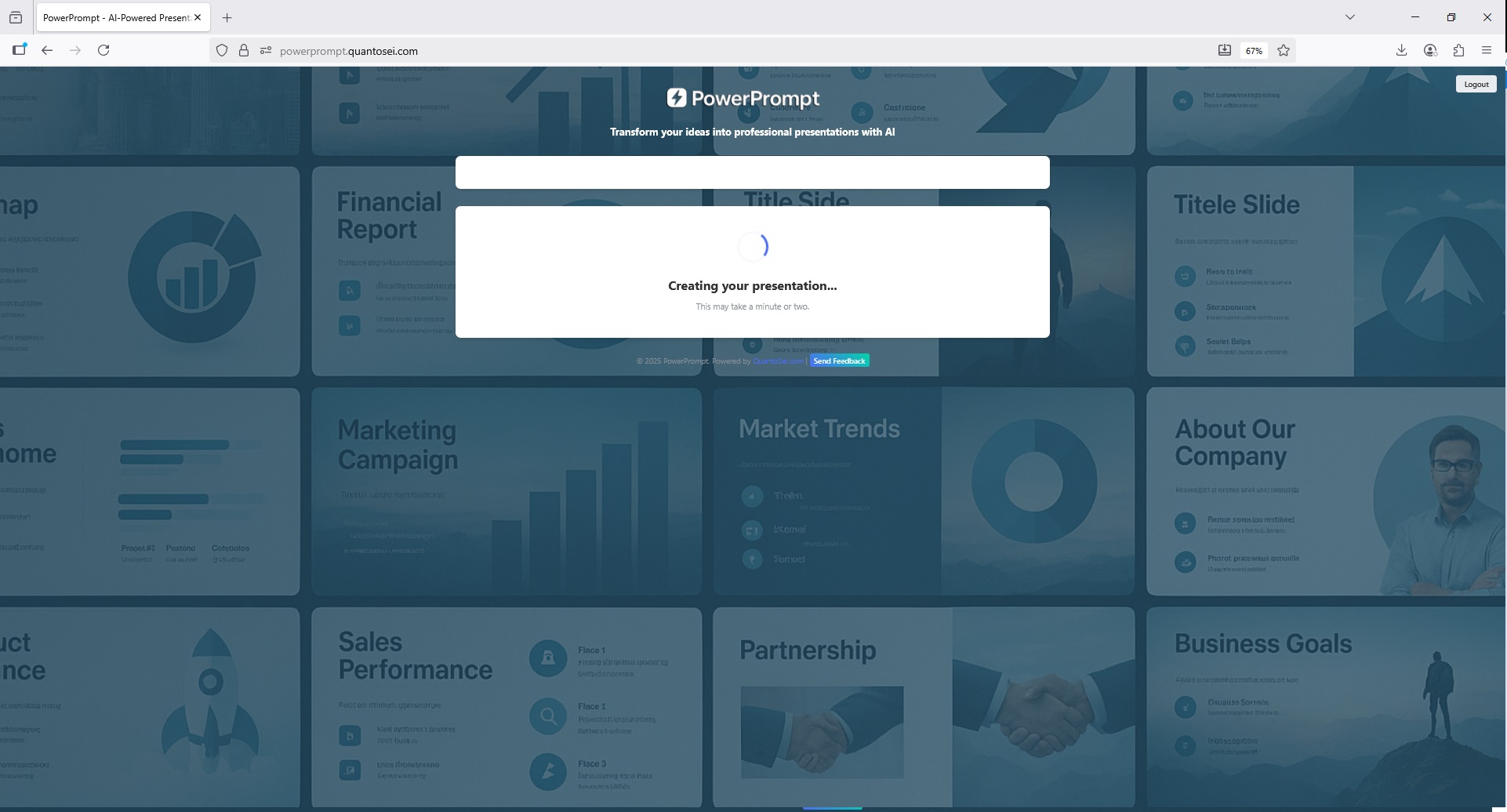
- Generate and Download: Once you’ve entered your prompt and chosen your design, PowerPrompt begins “crafting your presentation”. In a short amount of time, your presentation is ready for download in multiple formats, including PowerPoint and PDF.
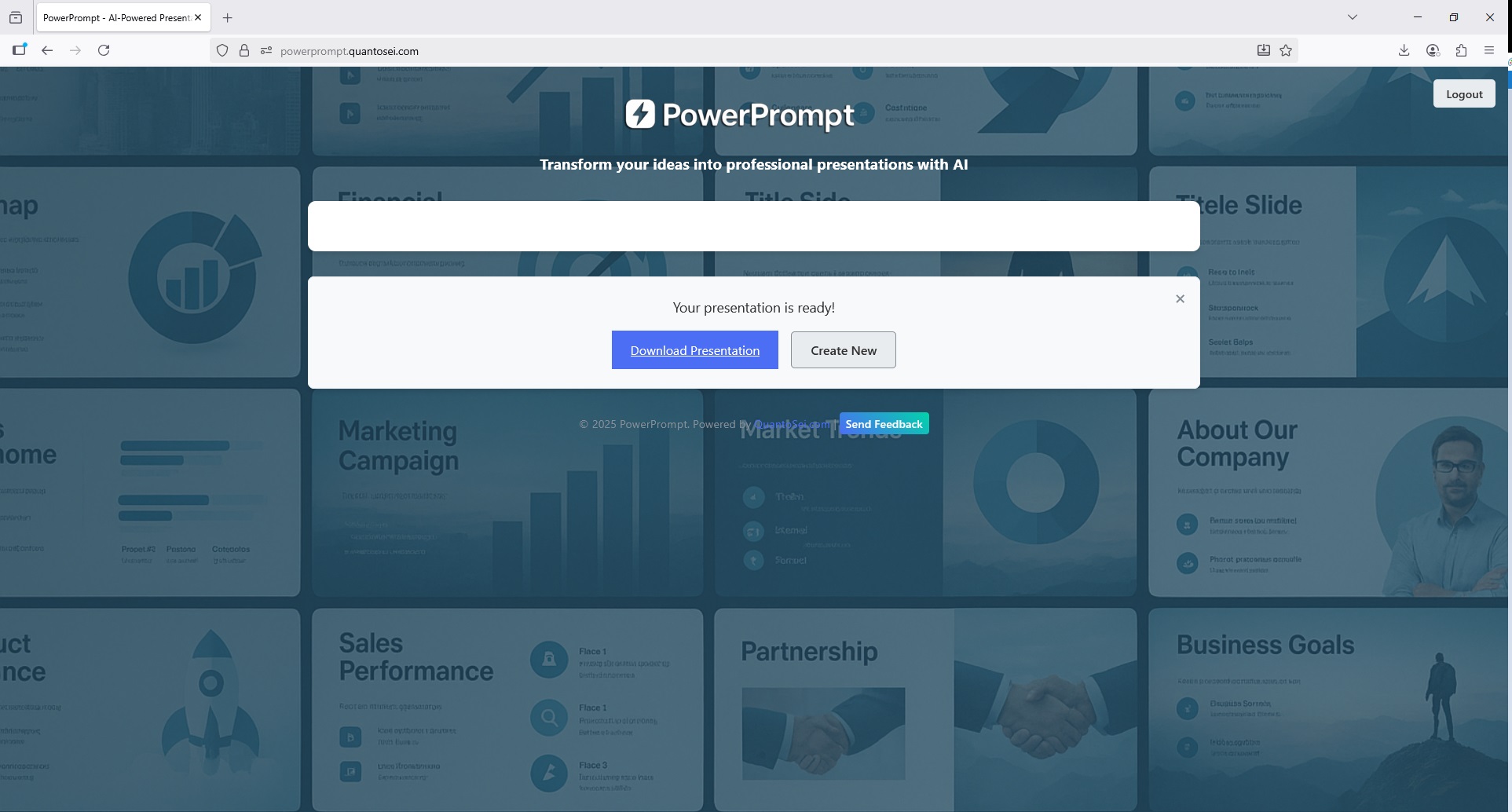
The Magic in Action
To show you how it works, PowerPrompt created a storybook about the history of Google. The presentation is titled “Once Upon a Time, Two Friends Had a Big Idea!”.
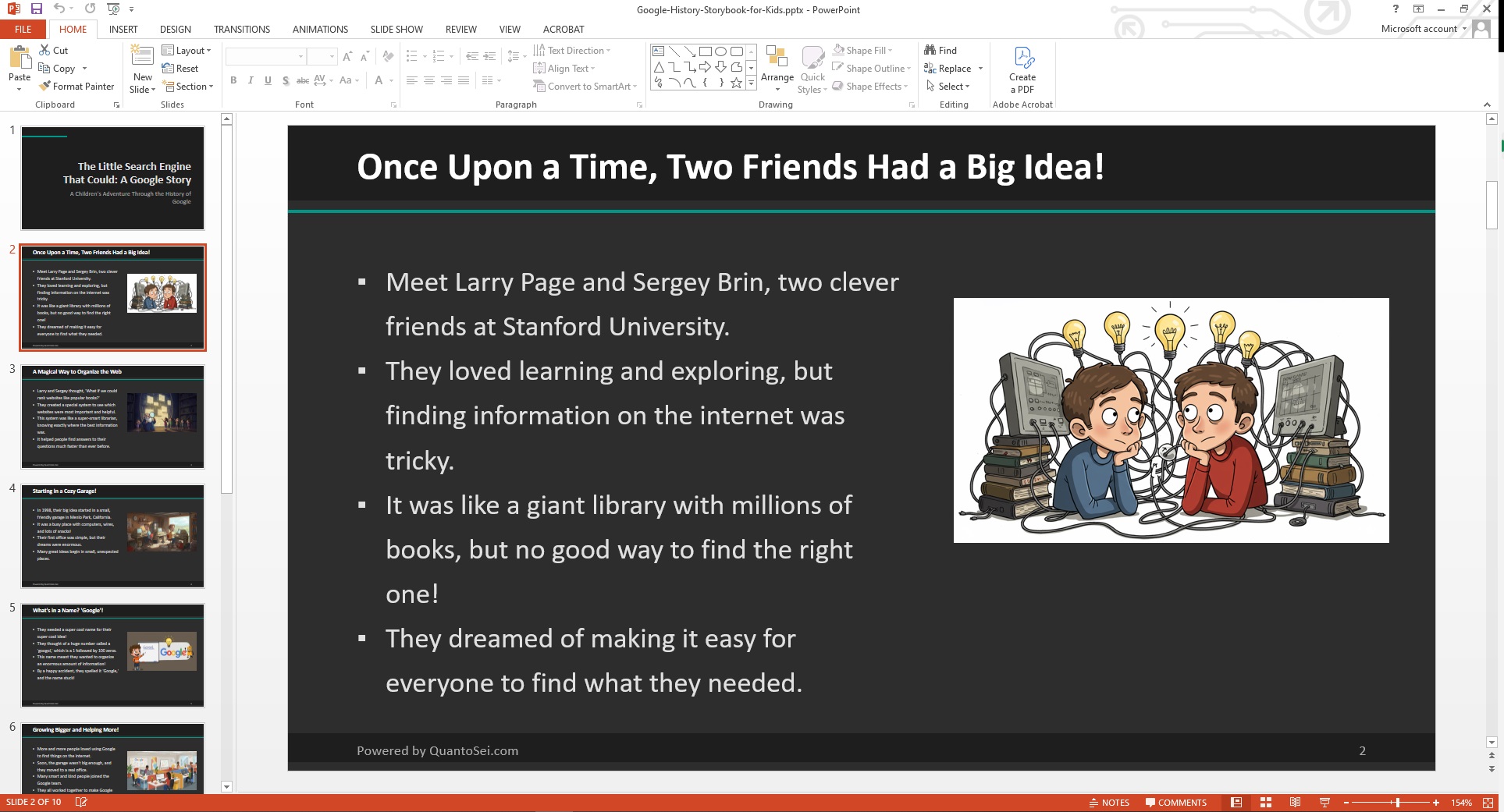
The story introduces Larry Page and Sergey Brin, two friends from Stanford University who found that finding information on the internet was “tricky”. They envisioned a way to make it easy for everyone to find what they needed. The AI-generated storybook explains how they created a system to “rank websites like popular books” and how this system worked like a “super-smart librarian”. The story also covers how Google began in a “cozy garage” in 1998 and how the name “Google” came from a happy accident when they misspelled “googol,” a number that is a 1 followed by 100 zeros. The storybook, which is “Powered by QuantoSei.com,” concludes by highlighting how Google’s journey from a small garage to helping “billions of people every day” shows that big dreams can come true.
More Than Just a Storybook
PowerPrompt can do much more than create a children’s storybook. It can also create professional presentations for business or education. It can accept a variety of source materials, including:
- Uploaded files (PDF, images, etc.).
- YouTube URLs.
- Webpage URLs.
You can also choose to create your presentation as a video. PowerPrompt can save you time and help you create professional, engaging content effortlessly.
Get started today and turn your ideas into a masterpiece with PowerPrompt!